Operations you can trust
Copy, cut, move, duplicate, rename and link with conflict decisions, cancellable progress and no silent overwrites.
 Teral GitHub
 Rust · GTK4 · Linux
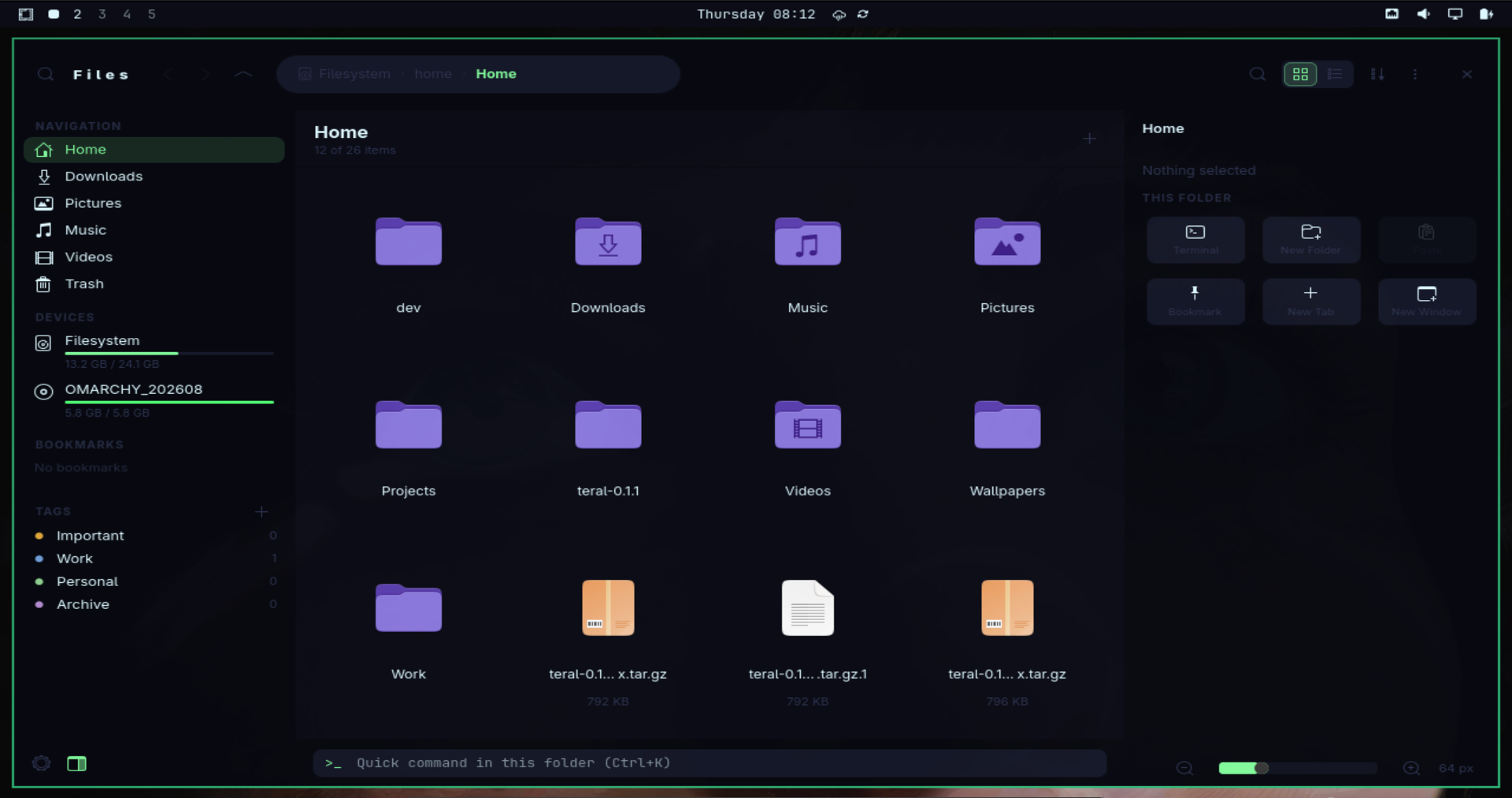
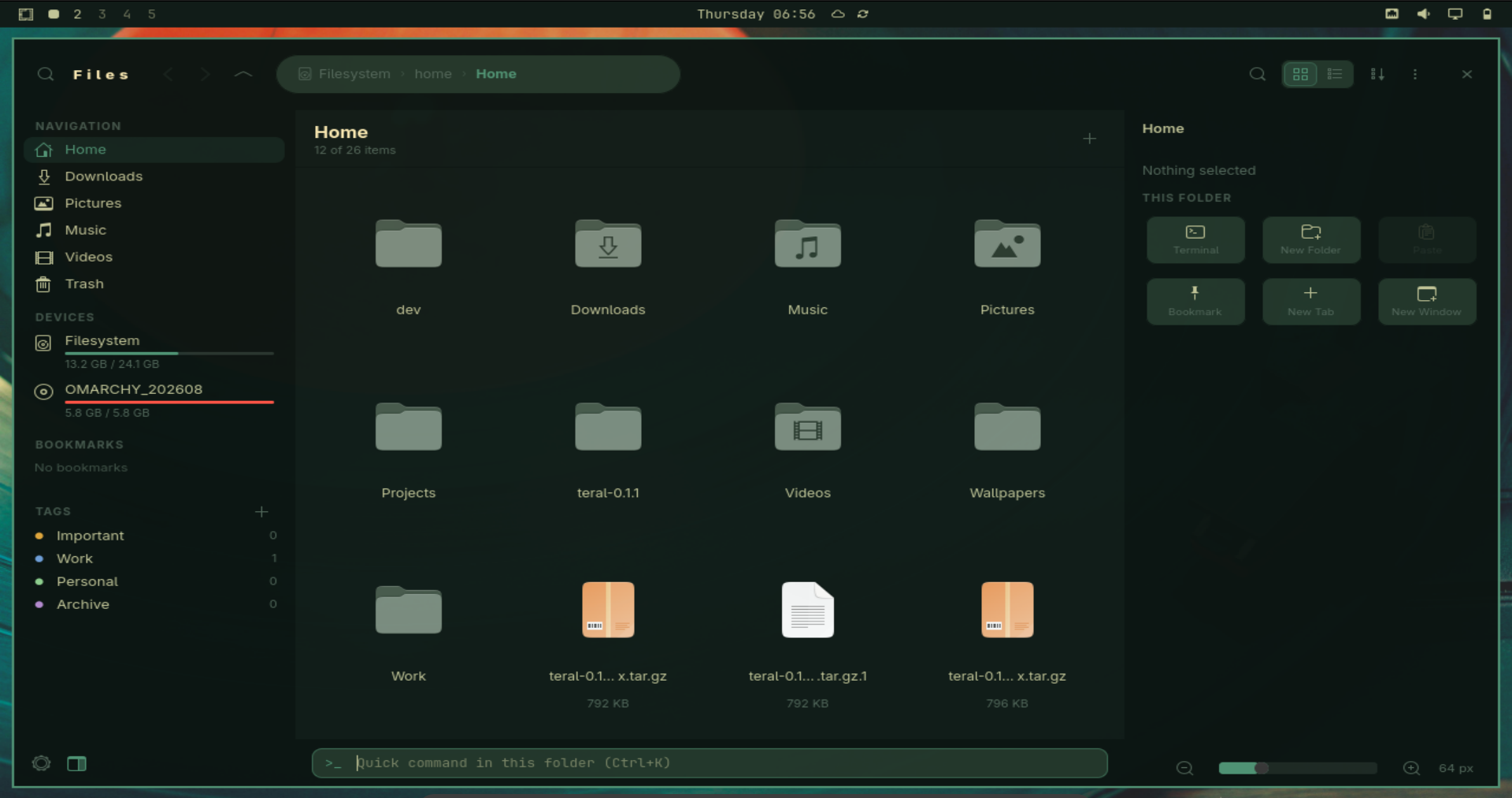
Teral brings navigation, files, details and a terminal into one focused workspace. It follows GTK everywhere and integrates directly with Omarchy themes.
Early public release. Keep another file manager installed while Teral matures.
Why Teral
Moving, restoring and organizing data deserves more care than another generic window painted over the desktop.
Teral is designed around dependable operations, visible context and a layout that stays useful on both conventional desktops and tiling window managers.
Core capabilities
Copy, cut, move, duplicate, rename and link with conflict decisions, cancellable progress and no silent overwrites.
FreeDesktop-compatible trash on your home filesystem and external drives, with restore to the original location.
A real VTE terminal and a command entry rooted in the folder you are browsing.
Shared clipboard and drag-and-drop interoperability with Nautilus, Dolphin, Thunar and other applications.
Recursive Home search streams bounded batches while the current-folder filter stays immediate.
Navigation and Details become overlay drawers when space is tight while Files and Quick Command stay underneath.
Same Omarchy theme
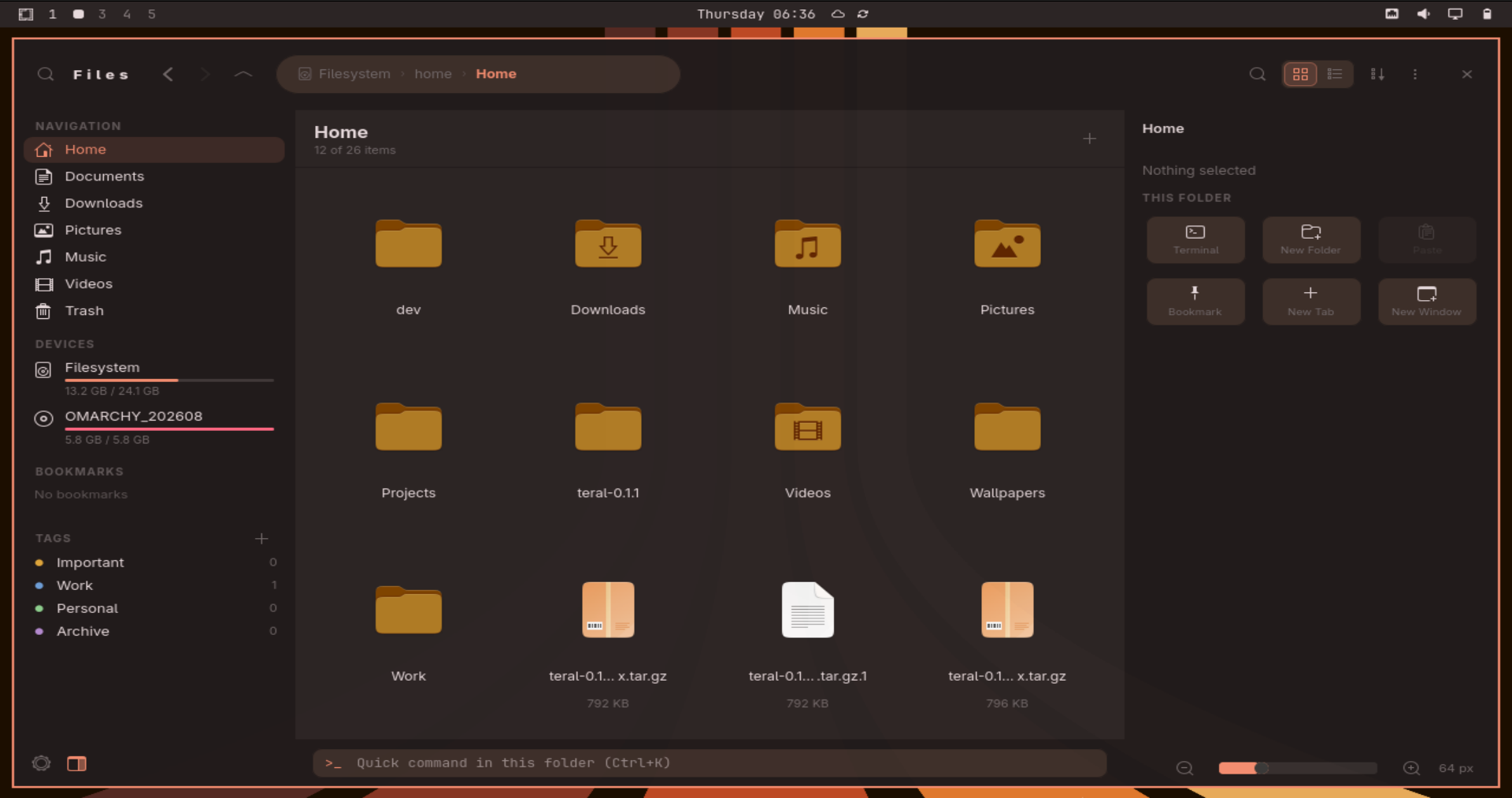
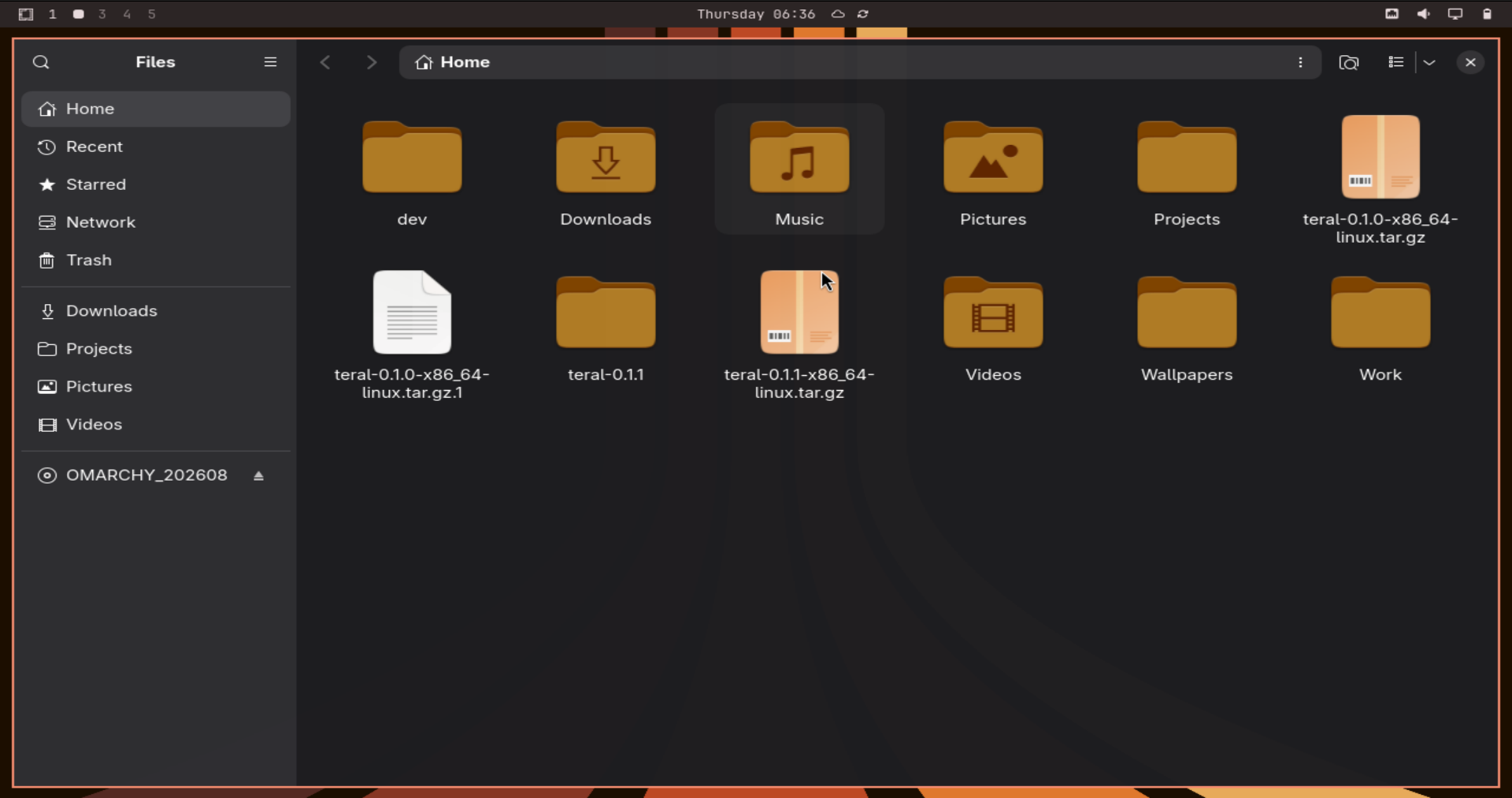
These are the same desktop and palette. Teral consumes semantic file-manager colors instead of stopping at a generic GTK surface.
Omarchy themes
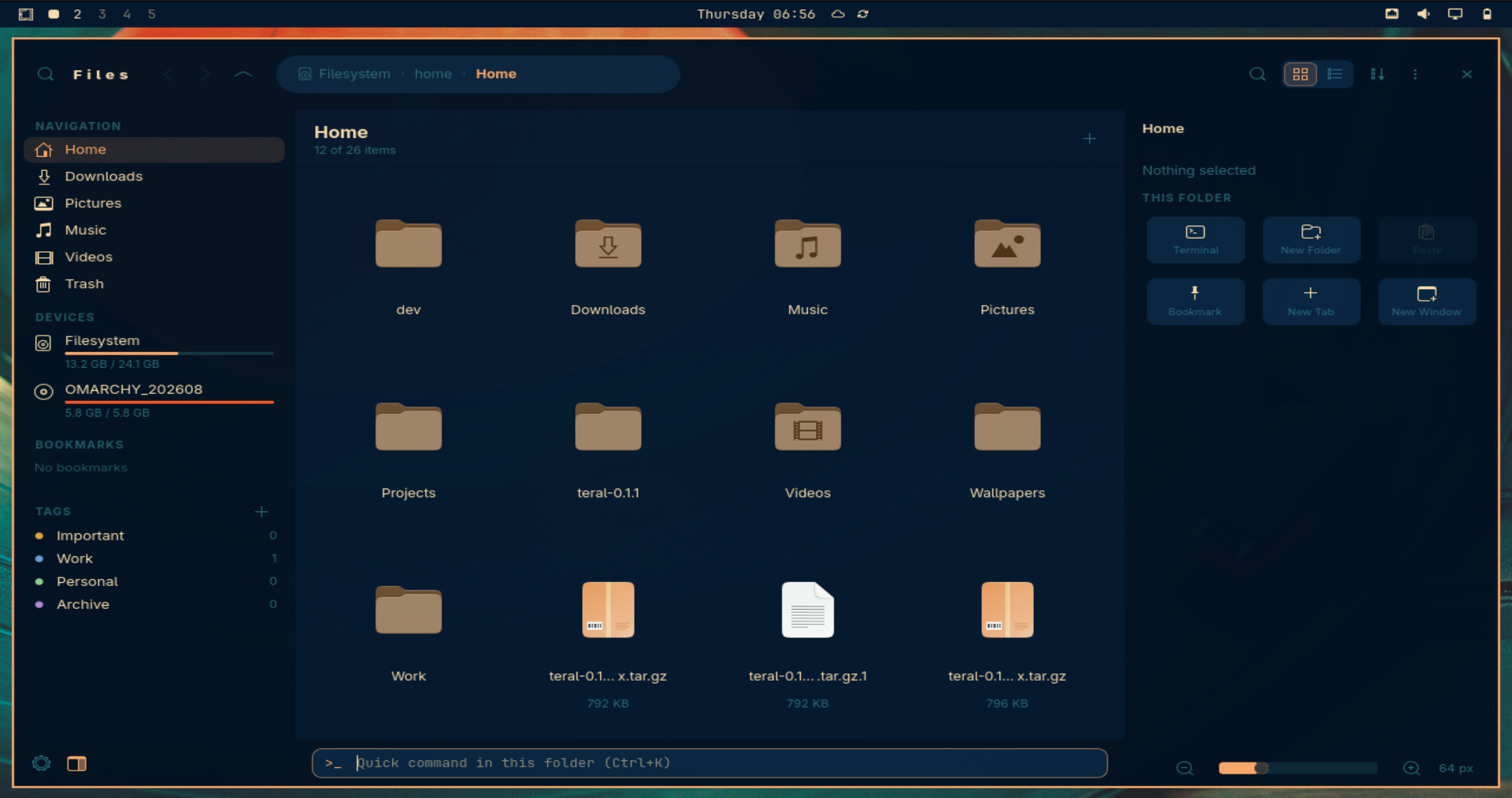
Teral applies theme changes while it is running. A portable files.toml offers precise semantic colors, with safe fallback to colors.toml.
Keyboard-first
Press F1 inside Teral to see the complete shortcut reference.
Install once
Release packages from 0.1.1 onward include a checksum-verified updater.
teral-update